


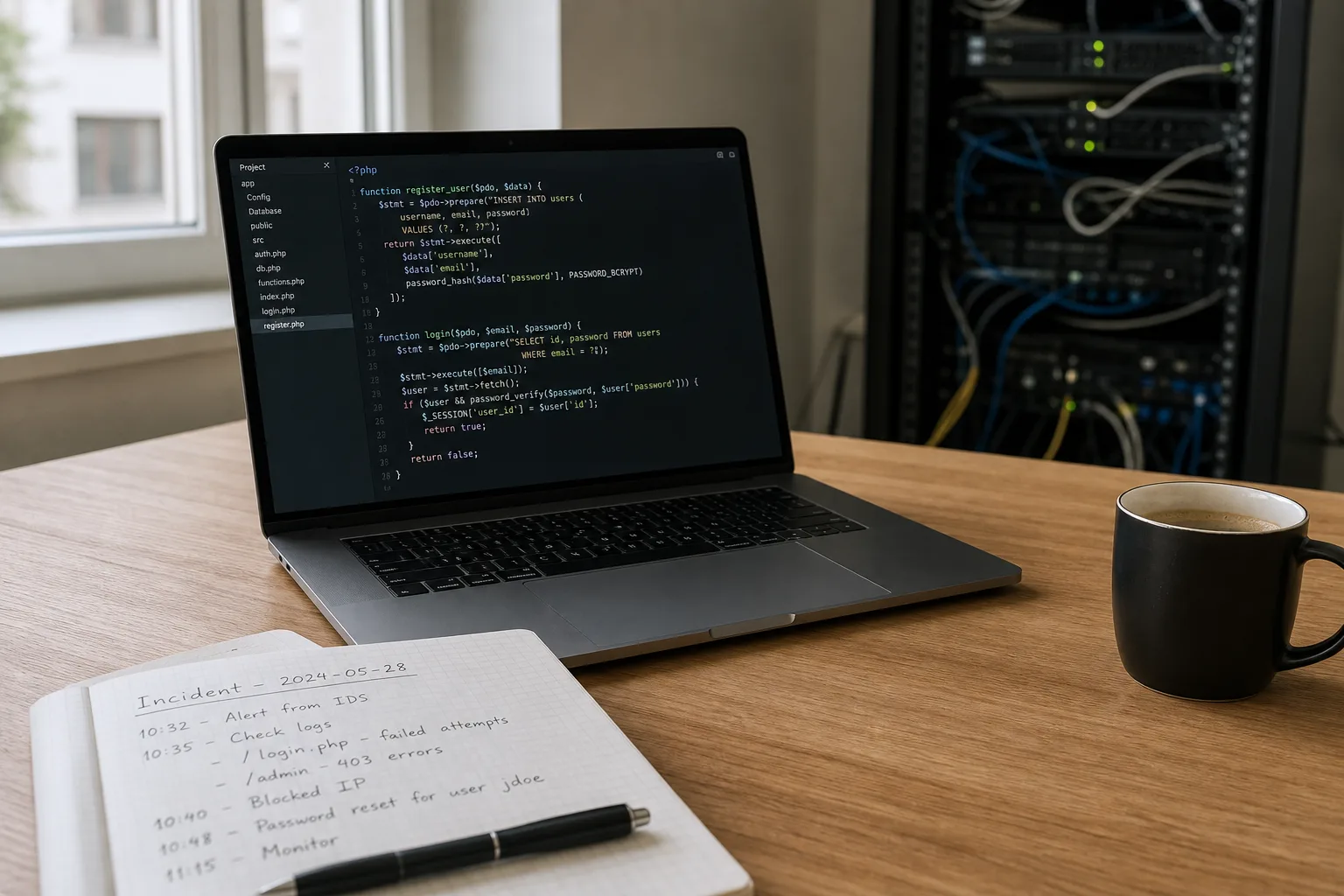
Background: why recent PHP vulnerabilities matter
PHP powers a very large portion of the web, and it is the runtime for WordPress, WooCommerce and PrestaShop. Critical vulnerabilities in the PHP core or native extensions can enable remote code execution, disclosure of secrets or memory corruption. Exploits often rely on a combination of a core bug and specific hosting or module configurations.
A “critical” designation should be treated seriously, but not as automatic catastrophe. The actual risk depends on your exact PHP version, installed modules, web server configuration, and any protective layers such as a web application firewall (WAF) or managed hosting controls. Nevertheless, a clear and prompt plan is required to reduce exposure.
Why your e-commerce or CMS site is at risk
Online stores and CMS sites frequently use plugins or modules that interact with the PHP runtime in non-trivial ways. A compromised PHP runtime can let attackers execute arbitrary code, escalate privileges, or read configuration files that contain database credentials and API keys. For WooCommerce and PrestaShop merchants, consequences include disrupted sales, leaked customer data and legal notification obligations.
Shared hosting environments, modules that rely on native extensions (PECL), and services that allow file uploads or custom code execution are especially exposed. Even if your site uses only core CMS features, it can still be impacted if the underlying runtime is vulnerable.
Initial assessment: gather facts immediately
Before making changes, collect the facts: exact PHP version (php -v), web server version (Apache/Nginx), active PHP modules (php -m), CMS and plugin/module versions, and type of hosting (shared, VPS, container, PaaS). Confirm whether you have SSH or SFTP access and where backups are stored.
Preserve current logs: web access logs, PHP error logs, and any application logs. Look for unusual requests, file-upload attempts, or signs of post-exploitation activity (sudden file changes, new admin accounts). Keeping an untouched copy of logs is essential for any forensic analysis.
Immediate containment: reduce the attack surface fast
Take actions that lower risk without causing unnecessary downtime. If your hosting provider releases a patched PHP build, schedule maintenance to apply it. If you cannot update quickly (e.g., shared hosting), contact your host to learn what protective steps they will take.
Disable unneeded PHP extensions and functions (via php.ini disable_functions) to prevent dangerous operations like exec, shell_exec and proc_open, where feasible. Harden file and directory permissions and apply WAF rules to block known exploit signatures. If active exploitation is suspected, place the site into maintenance mode to minimize data exposure and block transactions.
Patching strategy and testing
Upgrading PHP to the fixed version is the most effective defense. First test the update in a staging environment that mirrors production. Run full functional tests for your WordPress/WooCommerce/PrestaShop installation and any critical plugins or modules, especially those using native extensions.
If immediate upgrade is impossible, seek published mitigations: backported patches from your OS vendor, temporary WAF rules, or server configuration changes that disable the vulnerable code path. Treat these as stopgaps until an official patch is applied.
CMS-specific hardening
For WordPress and WooCommerce, keep core, themes and plugins updated. Remove inactive or unmaintained plugins and audit plugin provenance—prefer plugins with a strong track record and active maintenance. Use separate administrator accounts for different tasks and apply least-privilege access control.
For PrestaShop 1.7+ shops, review installed modules and remove those that rely on unsafe system calls or outdated native libraries. Ensure configuration files such as app/config/parameters.php and settings.inc.php are blocked from HTTP access by server rules.
In every CMS, prevent direct web access to configuration files (wp-config.php, settings.inc.php) and sensitive directories using server-level controls.
Backups and recovery planning
Confirm you have recent, tested backups of both files and databases before making substantial changes. Create fresh backups prior to any maintenance. Test restorations on an isolated environment to validate both the backup integrity and compatibility with the patched PHP version.
If a compromise is suspected, consider restoring from a backup preceding the incident. However, do this only after identifying and closing the vulnerability vector; otherwise, you risk restoring the compromise as well. Combine restoration with hardening and credential rotation.
Monitoring and post-patch vigilance
After patching, increase monitoring: file integrity checks, log analysis, and alerts for new administrative accounts or unusual database changes. For WooCommerce and PrestaShop sites, monitor orders and customer account changes closely for fraudulent activity.
If logs indicate compromise, engage a professional incident response provider. Forensic analysis is necessary to determine scope, persistence mechanisms, and whether customer data was accessed.
Legal and customer communication
Prepare clear, proportionate messaging if personal data may have been exposed. Comply with legal notification requirements (for instance, GDPR obligations in Europe). Avoid sharing technical details that could aid attackers but provide actionable advice for customers, such as changing passwords and monitoring payment statements.
Coordinate communications with your legal counsel and hosting provider, and keep an incident log of every action taken.
Protective tooling and long-term measures
A properly configured WAF, automated vulnerability scanners and patch management tools reduce incident response time. Regularly scheduled dependency and plugin audits, plus routine backup verification, will materially reduce the risk posed by future PHP vulnerabilities.
Securantis can help with CMS-specific hardening advice and WAF configuration for WordPress, WooCommerce and PrestaShop, but it does not replace a disciplined patching and backup regimen.
Conclusion: clear priorities for site owners
When a critical PHP vulnerability is disclosed, act promptly but methodically: assess your exposure, contain risk, apply official patches, and validate backups. CMS hardening and least-privilege practices reduce the attack surface and make recovery easier if an incident occurs.
If you cannot fully determine exposure or detect signs of intrusion, call in incident response expertise. In the medium term, adopt a formal PHP version management plan, automate backups and tests, and regularly audit plugins and modules. These steps create resilience against future vulnerabilities without relying on a single tool or guarantee of absolute security.