

Background: why PHP2Shell is worrying in 2026
In early 2026 researchers published patches for two critical vulnerabilities in the PHP interpreter. Known collectively as "PHP2Shell," these flaws allow remote code execution in poorly protected contexts and can result in an interactive shell on the server. The impact is especially severe for CMS platforms such as WordPress and PrestaShop, often deployed on shared or misconfigured infrastructure.
Multiple factors make the problem worse: widespread use of legacy PHP libraries, deployments without environment isolation, and incomplete backups. Observed attacks exploited both insecure plugins and application-level entry points, turning a PHP flaw into full system compromise.
How artificial intelligence accelerated discovery — and exploitation
AI plays a dual role in vulnerability lifecycle. On the defensive side, AI-powered static and dynamic analysis helps researchers spot dangerous patterns in thousands of lines of code more quickly. On the offensive side, generative models speed the construction of exploit chains by automatically combining vectors (injection, deserialization, file inclusion), reducing the time it takes to produce a reliable exploit.
Practically, AI tools can highlight risky PHP function usage, suggest payloads that bypass basic filters, and generate adaptive exploitation scripts. This lowers the technical barrier for attackers and explains the rapid surge in exploitation attempts after PHP2Shell's disclosure.
Why WordPress and PrestaShop are particularly exposed
WordPress and PrestaShop cover a large portion of the CMS market and are frequently extended with third-party plugins or modules. Those extensions increase attack surface: a vulnerability in a shared library used by a plugin can be enough to reach the PHP runtime and escalate privileges.
Many shared hosting environments use a single PHP interpreter for multiple clients. Without strict isolation (containers or separate processes), arbitrary code execution can be used to probe internal networks, access configuration files, or install persistent backdoors. PrestaShop shops also often store sensitive customer and payment data, heightening economic and regulatory impact when breaches occur.
Signs of a PHP2Shell compromise to watch for
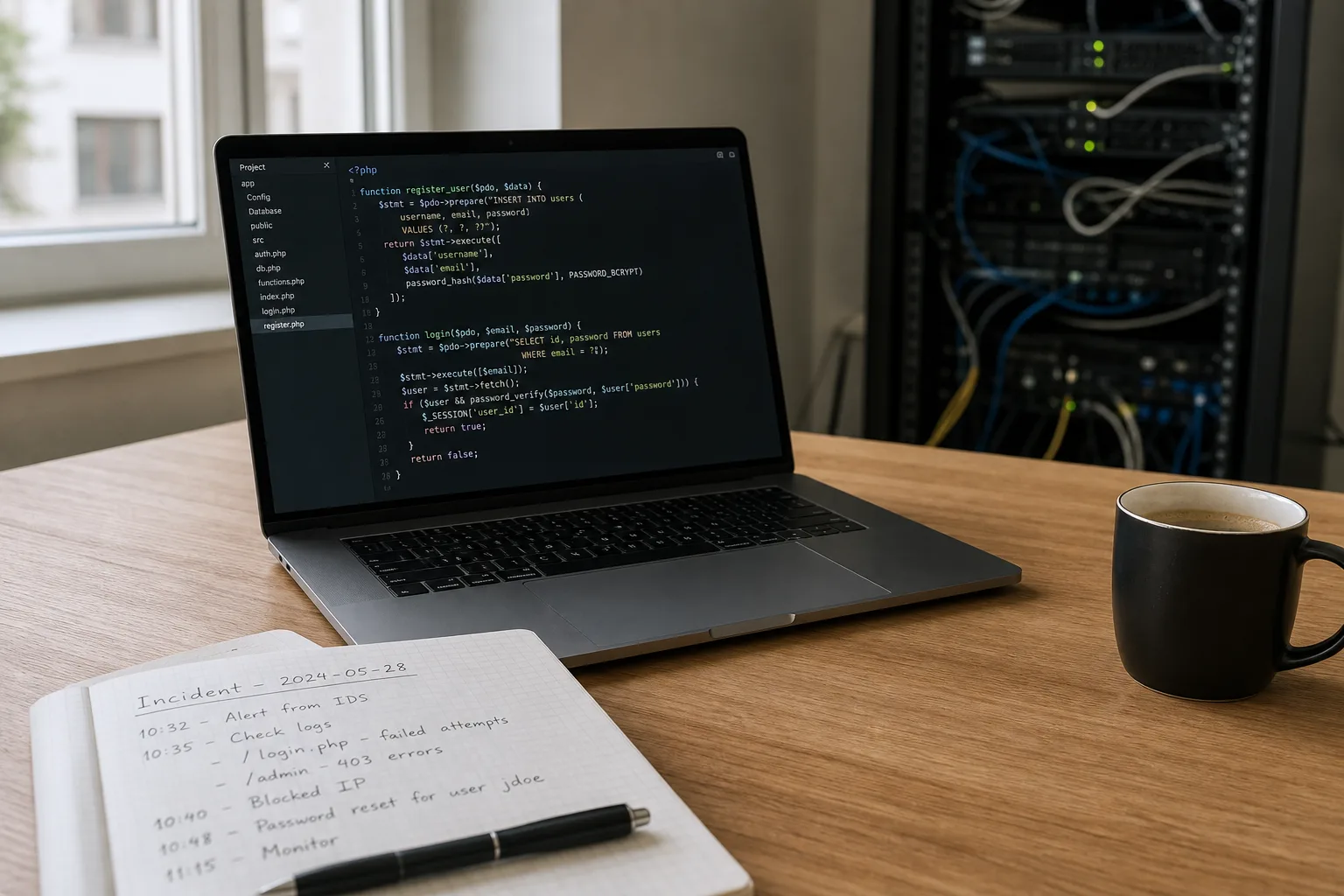
Early detection is crucial to limit damage. The following indicators should prompt investigation: sudden site slowdown, PHP processes consuming high CPU, unusual outbound connections from the web server, recently modified files in wp-content or PrestaShop modules, and unexpected admin account creations or privilege changes.
Also review access logs for encoded strings or unusual parameters, repeated PHP errors, and file inclusion attempts. Web backdoors are often small PHP snippets inserted into otherwise benign files and triggered by a specific GET/POST parameter.
Immediate actions after detection or alert
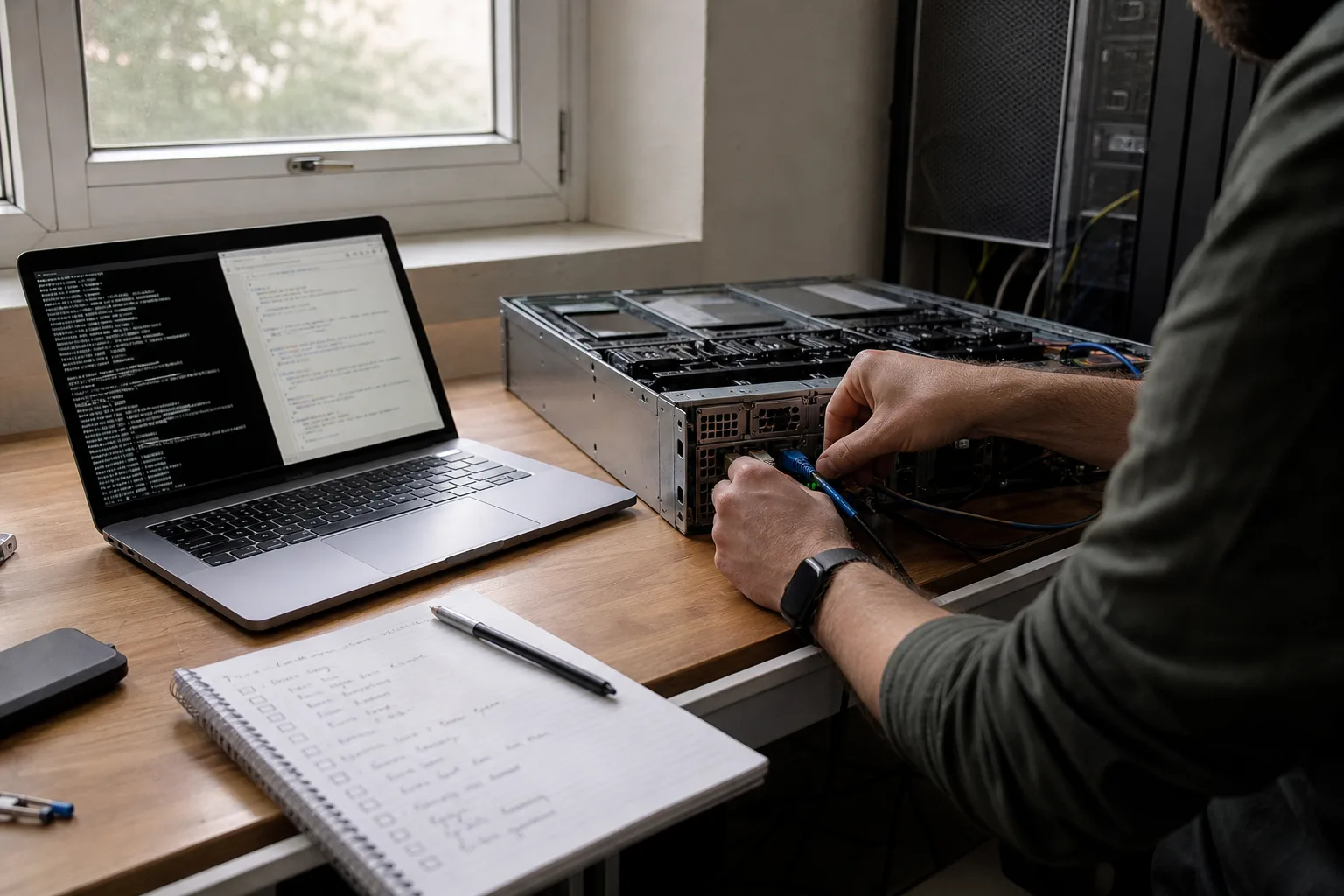
If you suspect PHP2Shell exploitation, prioritize isolation and preservation. Take the site offline if needed (maintenance mode), block public access to prevent data leakage, and preserve a disk image or full copies of files and databases before making changes — these artifacts are essential for investigation.
Then apply fixes: update PHP to the patched version, install CMS and plugin updates, and deploy WAF rules tailored to the observed vectors. If your team lacks expertise, call an incident response provider. Don’t delete traces without preserving evidence, or you may hinder forensic analysis.
Server and CMS verification checklist (web server, PHP, WordPress, PrestaShop)
-
Confirm PHP is updated to the patched version for PHP2Shell and that all PHP extensions are current.
-
Ensure the web server (Apache, Nginx, etc.) and PHP process managers (php-fpm) run under least-privilege accounts and use user namespace isolation where available.
-
Verify backups are complete, testable, and stored off-site, and retain snapshots predating any incident for recovery.
-
Enable and configure a WAF (hosted or appliance) with rules against file inclusion, remote code execution, and suspicious request patterns.
-
Scan your site tree for recently modified files, and search for suspicious PHP functions (eval, preg_replace with /e modifier, unserialize on untrusted data) and undocumented includes.
-
Audit admin accounts, remove unknown users, and revoke active sessions, forcing password resets where necessary.
-
Review PHP settings (disable_functions, open_basedir, upload_tmp_dir) and harden them as needed.
-
Confirm isolation for multi-tenant environments (chroot, containers, separate php-fpm pools) and contact your hosting provider if isolation is insufficient.
-
Monitor and restrict outbound connections from the server, blocking known malicious destinations at the network level.
-
Test corrections in a staging environment and monitor logs and loads to ensure no persistent malicious code remains.
Hardening measures for medium and long term
Fixing the immediate vulnerability is only the start. To reduce impact from future flaws, adopt systematic measures: continuous deployment with automated tests, dependency scanning, code reviews, and strict privilege management. Using containers or per-site isolation reduces lateral movement risk.
For WordPress and PrestaShop specifically, minimize the number of active plugins or modules, prefer well-maintained third-party components, and apply the principle of least privilege to admin accounts and APIs. Enable multi-factor authentication for all elevated accounts and reduce exposure by disabling unused interfaces such as XML-RPC when possible.
Continuous monitoring and detection
Effective monitoring enables rapid anomaly detection. Deploy centralized logging (ELK stack, Grafana Loki, etc.) and create alerts for key indicators: newly created PHP files, spikes in PHP process usage, abnormal POST request patterns, and repeated 500 errors.
File integrity monitoring agents (tripwire-like) and regular vulnerability scans for PHP components and plugins are also advisable. Managed services like Securantis can augment these controls with tailored WAF rules and incident notification workflows.
Shared hosting considerations and hosting solutions
If you run on shared hosting, much depends on the host's security posture. Request evidence of tenant isolation, patch cadence for PHP, and backup policies. Temporarily moving to a VPS or managed hosting that offers stronger isolation may be the safest path if your host cannot guarantee protection.
For PrestaShop stores handling payments, prefer hosting that supports PCI-DSS controls and can provide the necessary audit trails. Post-compromise regulatory obligations may require detailed reporting and technical audits.
When to hire professionals and what to expect
Remote code execution incidents typically warrant professional help. Forensic teams will preserve evidence, analyze traces, identify the root cause, and verify whether backdoors remain. A security provider will also produce a remediation plan and oversee safe return to production.
Expect a clear report with indicators of compromise, a list of affected files, remediation steps, and suggestions to harden the environment. Superficial file replacements are insufficient — you need to understand the initial vector to prevent recurrence.
Conclusion: priorities for site owners
PHP2Shell demonstrates how quickly a flaw in a core component can be weaponized, especially when AI shortens the time between disclosure and exploitation. Site owners running WordPress or PrestaShop should prioritize patching PHP and CMS components, keeping tested off-site backups, and ensuring isolation between tenants to prevent escalation.
Beyond immediate fixes, invest in monitoring, dependency management and, where appropriate, managed hosting or incident response services. Start with fundamental hygiene — backups, updates, least privilege — and build a sustainable security posture that reduces risk and accelerates recovery when incidents occur.