

Who this guide is for and what it covers
If you suspect your WordPress site is infected, this guide is for site owners, WooCommerce store operators and PrestaShop administrators who want to restore integrity without compounding damage. It walks through priorities and practical steps: containment, preservation, analysis, cleaning, hardening and monitoring, and how to decide when to hire a security agency.
We provide defensive, cautious guidance. We do not offer any attack techniques and we do not claim absolute security. The goal is to reduce risk and restore a trustworthy site.
Immediate priorities: isolate and preserve evidence
When you suspect a compromise, limit the blast radius. Put the site into maintenance mode, disable nonessential admin accounts, and change SFTP/SSH and hosting control panel credentials. Notify your hosting provider if the incident appears to affect more than your site.
Before making intrusive changes, take at least two independent backups: a full file backup (via SFTP or hosting control panel) and an SQL export of the database. Store these backups offline and mark them read-only. They are essential for forensic analysis and for attempting safe restores if cleaning corrupts live data.
Understanding the infection type
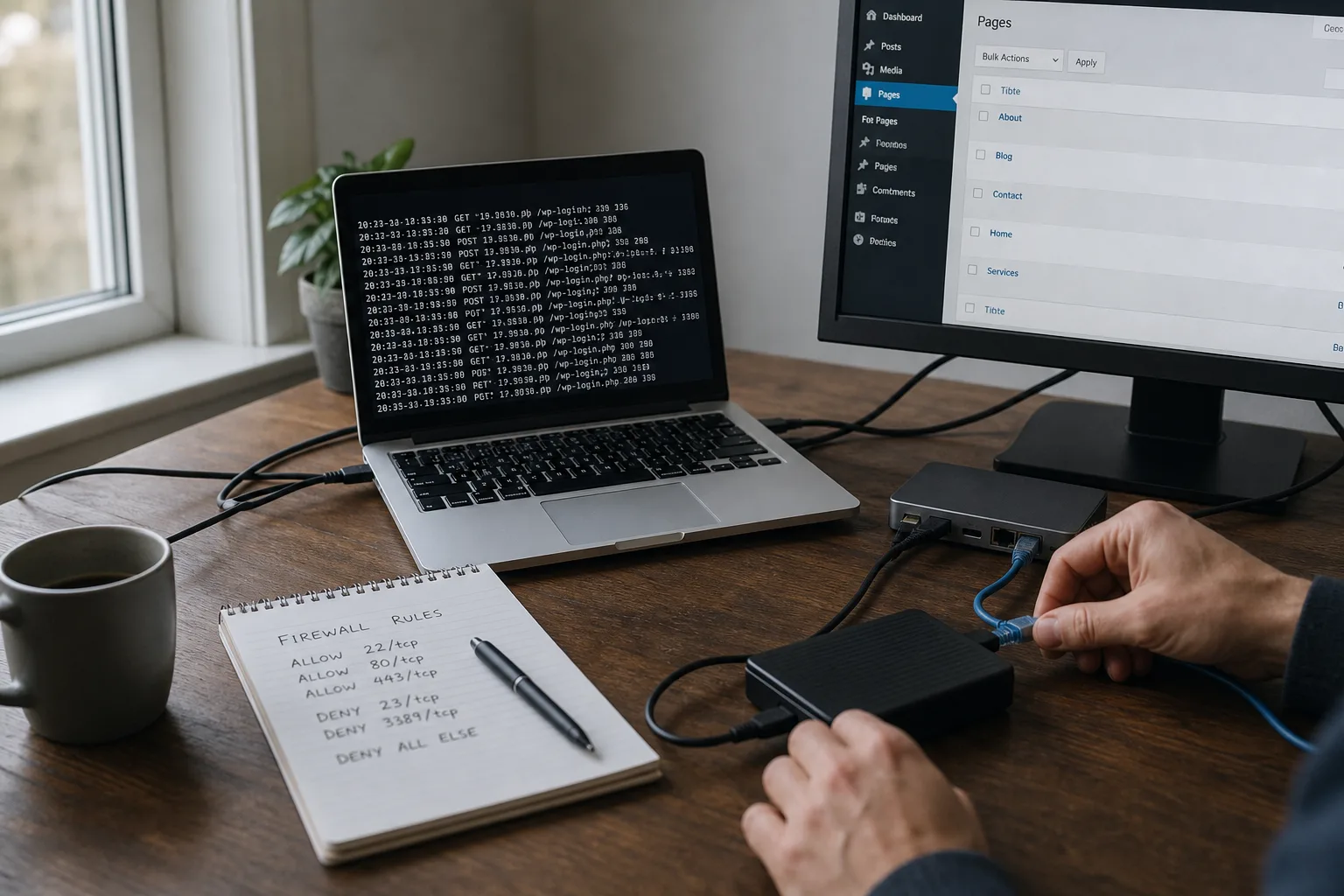
Identifying the nature of the breach guides the response. Common outcomes include SEO spam, PHP backdoors, malicious redirects, admin account takeover, or data exfiltration. Analyze server logs (access.log, error.log), FTP logs and WordPress logs if present. Use server-side malware scanners for initial detection.
On WooCommerce sites, inspect checkout and payment pages closely, as attackers often target those flows. On PrestaShop, pay attention to module overrides and custom modules that interact with orders. Note modified file timestamps and suspicious requests in the logs.
Safe initial cleanup steps
A reliable cleanup blends removal, replacement and verification. The safest approach is often to restore files from trusted sources rather than edit suspected files directly on a live site.
-
Replace the WordPress core with a fresh copy of the exact same version from wordpress.org. Keep wp-config.php and your wp-content directory.
-
Review wp-content: remove unused or unknown themes and plugins. Reinstall plugins and themes from official repositories or vendor sources.
-
Inspect the uploads folder for anomalous files—PHP files should not be present in uploads. Quarantine suspicious items for later analysis. For WooCommerce stores, validate media linked to products and consider reimporting if needed.
-
Restore any altered system files from clean backups or original packages. Avoid making ad-hoc edits to suspicious files on the production site.
Database and compromised accounts
Compromise is not always file-based. Inspect the database export for malicious content in wp_options, wp_posts and wp_users. Look for rogue scripts, unexpected iframes or unknown shortcodes.
Remove unauthorized administrator users after confirming they are not legitimate technical accounts. Force password resets for all admin-level users and for FTP/SSH/hosting accounts. Enable multi-factor authentication (MFA) wherever possible to reduce the risk of account reuse.
Scanning and manual auditing
Automated scanners (Wordfence, Sucuri, ClamAV on the server) help identify known signatures but don’t replace manual inspection. Audit critically important places: uploads, includes, wp-config.php, .htaccess and scheduled cron jobs.
On shared hosting, check that other accounts haven’t written to your site files. Confirm secure file and directory permissions—commonly 644 for files and 755 for directories, adjusted to host recommendations—and ensure no world‑writable entries remain.
Hardening after restoration
Before returning to production, harden the site: least-privilege access, Web Application Firewall (WAF) either at the host or cloud level, enforce HTTPS, and add secure HTTP headers (Content-Security-Policy, X-Frame-Options). Set up file integrity monitoring (hash checks) and alerting on unexpected changes.
For WooCommerce, revisit payment gateway configurations and avoid storing card data on your servers. For PrestaShop, verify reinstalled modules are maintained and supported by their vendors.
Communication and compliance considerations
If customer data might have been exposed, comply with applicable regulations (for example GDPR in the EU). Prepare a clear disclosure: what happened, what data may have been affected, what you’ve done, and recommended steps for users, such as changing passwords or monitoring accounts.
Log every action taken during the response (timestamps, operators, commands) and preserve those logs. They’re invaluable for forensic work and for any legal or regulatory follow-up.
When to bring in a security agency
Hire a security firm when infections persist, when sensitive data is suspected to be compromised, or when in-house expertise is insufficient. Look for agencies with transparent investigation processes and evidence-handling procedures. They will perform in-depth forensics, block advanced persistence mechanisms, and advise on disclosure and remediation.
Securantis-focused services can augment prevention and monitoring, but emergency forensic work should be done by a qualified incident response provider.
Practical recovery checklist
-
Keep offline backups before changing anything.
-
Replace core files and reinstall themes/plugins from trusted sources.
-
Reset passwords and enforce MFA for high-privilege accounts.
-
Scan and audit the database and uploads folder.
-
Tighten permissions and enable a WAF and file integrity monitoring.
-
Notify affected users and document the incident thoroughly.
Conclusion
Cleaning an infected WordPress site requires careful preparation, methodical steps and conservative handling of evidence. The first priorities are preserving backups and isolating the site; rushing to edit files can destroy forensic evidence or reintroduce malware.
After restoration, apply hardening and continuous monitoring to reduce recurrence. If the incident involves sensitive customer data or complex persistence, engage a professional incident response firm. Preparedness—regular backups, prompt updates and strict access controls—remains the most effective way to limit the impact of future compromises.