


Why the 7.1.5 update matters
In November 2026 WordPress 7.1.5 was released to address twenty vulnerabilities. These range from privilege escalation and server-side injection to information disclosure and CSRF issues. For site owners, a cumulative patch like this means multiple attack vectors have been identified and fixed; some may already be exploited in the wild.
Ignoring such updates increases exposure. WooCommerce sites that process customer data and payments are particularly attractive targets, but even brochure sites can be abused as pivot points into internal networks. Automated scanners routinely seek known vulnerable versions, so delay often equals greater probability of compromise.
Concrete risks for your site
The corrected vulnerabilities cover several classes of threats. Remote code execution (RCE) and local privilege escalation are among the most serious because they can lead to persistent backdoors, data theft or full site takeover. Information disclosure flaws may leak API keys, configuration files or user emails, enabling later attacks.
Consequences include injected scripts, webshells, cryptomining, and reputational damage. The actual impact depends on hosting configuration, installed plugins and themes, and defensive measures like a web application firewall (WAF). Understanding these variables helps you prioritize remediation.
How to quickly check your WordPress version
The easiest check is the admin Dashboard: the version is usually visible on the Home screen or in the footer. If your installation hides version info, use WP-CLI with the command:
- wp core version
If you lack SSH access, check the hosting control panel or ask your host. For WooCommerce, verify plugin compatibility before updating; PrestaShop owners should apply the same update discipline to their platform even though the WordPress version itself doesn't apply.
Assessing whether you're actually vulnerable
Version alone doesn't tell the whole story. Compensating controls like a properly tuned WAF, security plugins, or server-side hardening can reduce exposure. Conversely, a site listed as up to date may still be at risk if plugins/themes contain the same vulnerability or if core files were modified.
Run reputable vulnerability scanners, examine access logs for exploitation attempts, and review recent file changes. If you lack in-house skills, schedule a professional security review to assess attack surface and likely impact.
Best practices for updating safely
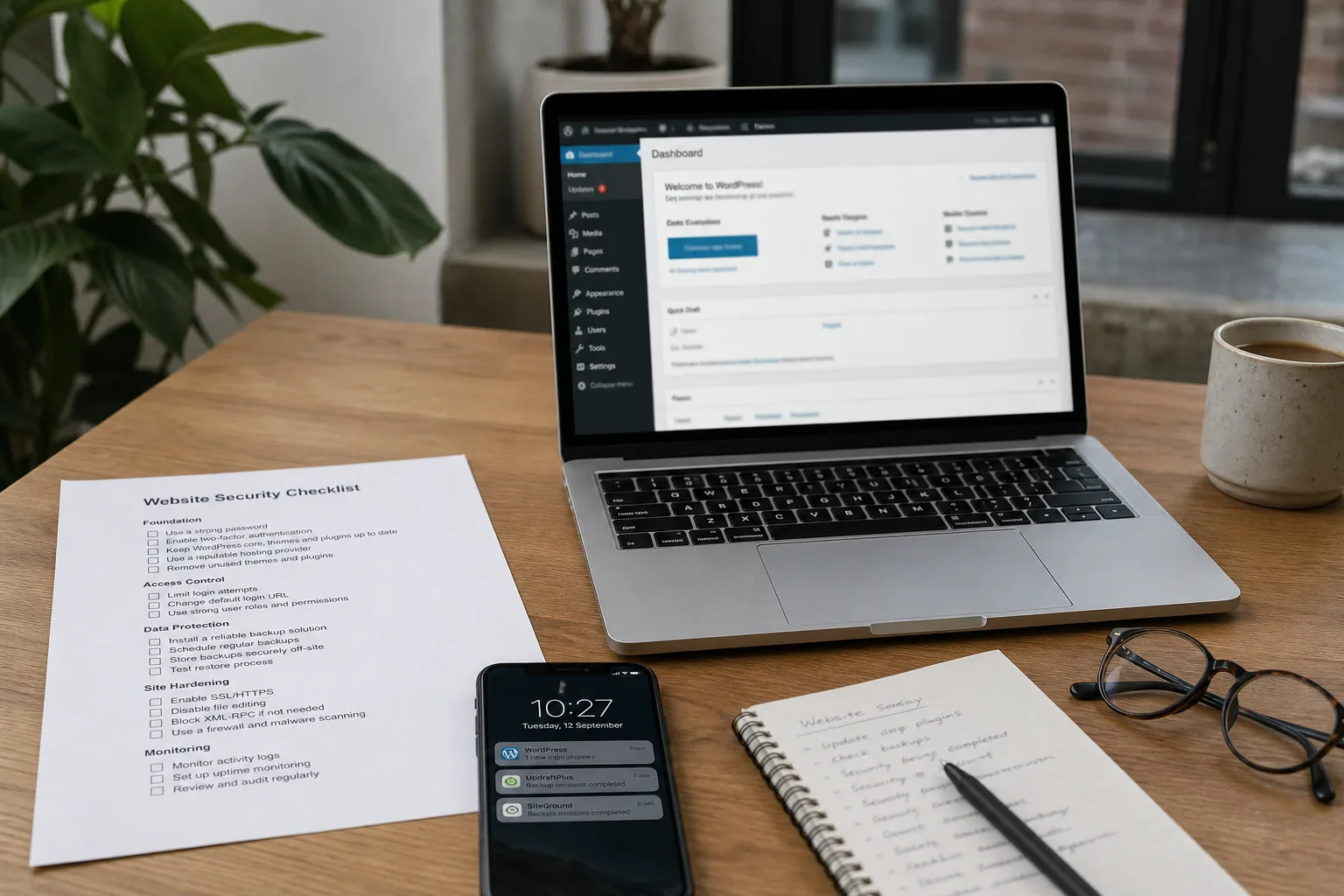
Always perform a full backup (files and database) prior to any update. Keep backups off-site and verify you can restore them. Use a staging environment to test updates before deploying to production.
Update themes and plugins first—ensuring compatibility—then update WordPress core. For WooCommerce, update extensions first and test checkout flows in staging. Schedule updates during low-traffic windows and communicate maintenance to users. If hosting is managed, coordinate with your provider.
Short-term mitigations if you cannot update immediately
If immediate patching is impossible, apply compensating controls: tighten WAF rules against known exploit signatures, disable non-essential modules, restrict admin access by IP, and enforce strong authentication such as two-factor authentication (2FA). Monitor logs closely for suspicious activity.
Disable file editing in the dashboard (define('DISALLOW_FILE_EDIT', true);) and set stricter file permissions. These steps reduce exposure but do not replace applying the official patch.
Plugins and themes: the usual weak links
Most recent compromises involve outdated or abandoned plugins and themes. A vulnerable extension can bypass core protections. Keep every plugin and theme updated, remove unused ones, and prefer actively maintained tools with a history of quick fixes and reliable support.
Use staging to test updates and consider paid plugins for critical functionality like payments, backups or security, since commercial vendors often provide faster patches and dedicated support.
Monitoring and detection you should implement
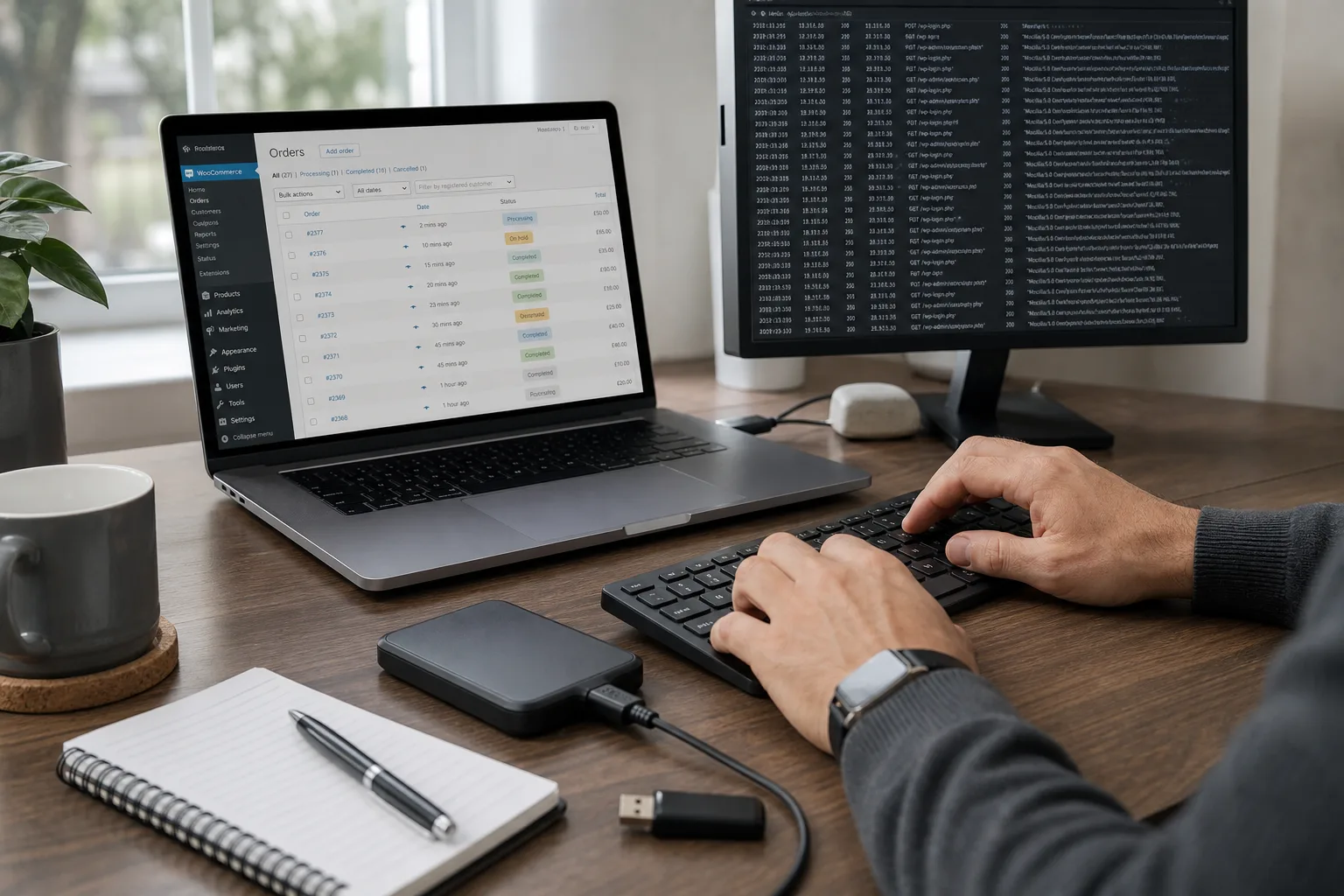
Continuous monitoring shortens detection time. Enable detailed logging (access, error and query logs), centralize logs, and create alerts for unusual events such as new administrator accounts, unexpected file changes, or spikes in requests.
Implement file integrity monitoring, regular vulnerability scans and a WAF. Securantis can be used as part of a layered defense for WordPress and WooCommerce, but remember it complements — not replaces — backups, patching and operational security.
If you suspect a compromise
Act calmly and deliberately. Put the site into maintenance mode, revoke compromised credentials, rotate API keys and preserve logs for forensic analysis before any restarts or file removals. Quick actions that overwrite evidence can hinder an investigation.
Perform malware scans, check file integrity, review user accounts and cron jobs. If malware is present, restore from a verified clean backup. If the incident is complex or beyond your expertise, engage specialized incident response professionals.
Hosting and permission hygiene
Use separate SFTP/SSH accounts, restrict database user privileges, and avoid FTP in favor of SFTP. Apply least-privilege on file permissions (644 for files, 755 for folders) and avoid 777. Keep server OS, PHP, and other services updated.
On shared hosting, confirm that the provider isolates accounts properly and enforces security patches. If you lack the operational capacity to manage these aspects, consider managed hosting.
Backups: cadence, retention and testing
For transactional sites, daily backups are a minimum; for static sites, weekly might suffice. Keep backups off-site, retain multiple restore points (e.g., 30 days) and implement a retention policy matching your operational and legal needs.
Regularly test restores on staging. Untested backups can be corrupted or incomplete and therefore useless during an incident.
FAQ: Are old versions automatically compromised?
Not automatically, but outdated versions are at higher risk. The chance of compromise increases when exploits are public and automated scanning tools target known vulnerable versions. Therefore it's safer to update promptly.
Should I update legacy sites without testing? No. First test in staging. If updating isn’t feasible due to compatibility, implement compensating controls and plan a migration or redevelopment.
Conclusion
WordPress 7.1.5’s release is a reminder that layered, active security is required. For site owners, the immediate priorities are to verify your version, back up your site, test updates in staging and then apply the patch while ensuring plugin compatibility, especially for WooCommerce.
When updates are delayed, apply mitigations like WAF rules, IP restrictions and 2FA, and increase log monitoring. If you detect a breach, preserve evidence, restore from a verified backup and engage incident response experts if the situation exceeds internal capacity. Regular updates, tested backups and monitoring remain the most effective defenses against the kinds of vulnerabilities addressed in 7.1.5.