

Why fake payment buttons and malicious scripts are dangerous
Fake payment buttons and client-side malicious scripts break the trust between an online store and its customers. Rather than attacking the server directly, attackers often inject code into templates or pages so that customers submit payment information to an attacker-controlled endpoint. The result can be stolen card data, fraudulent transactions, and long-term reputational damage.
For PrestaShop merchants the risk is accentuated by third-party modules and Smarty templates: these components run code in the front-end and can be exploited or misused to inject HTML and JavaScript. WordPress and WooCommerce face similar risks but the integration points and file locations differ.
Common visible signs of tampering
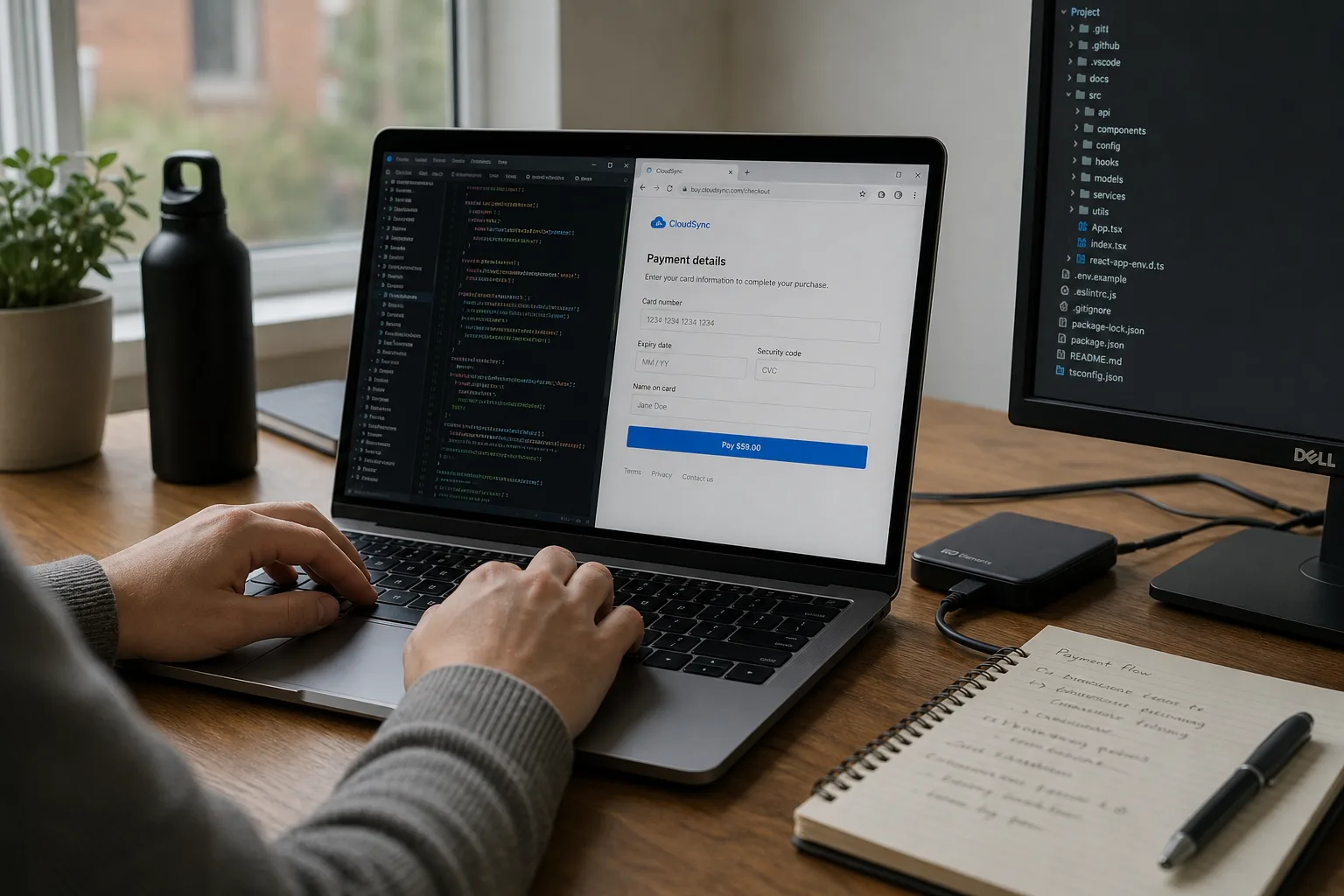
A fake button is rarely an exact copy. Look for subtle differences in wording or styling, unexpected redirects when clicking, or a modal that doesn’t match your payment provider’s interface (Stripe, PayPal, Redsys, etc.). Malicious scripts often cause odd behaviour: forms that submit automatically, fields that clear after typing, or external resources loaded from unfamiliar domains.
Always verify network behaviour: if a payment submission posts to an unknown domain, or if requests are made to IPs or hosts unrelated to your payment processor, treat them as suspicious. Injected iframes and dynamically added scripts in the page source are strong indicators of compromise.
Using browser developer tools for client-side inspection
Developer tools in modern browsers are essential. In the Network tab, watch requests during page load and during the checkout flow. Identify POST requests to unknown URLs and scripts loaded from third-party domains. The Sources tab lets you browse executed JavaScript: look for anonymous functions intercepting form submissions, calls to fetch() or XMLHttpRequest targeting non-approved hosts, and long base64 strings indicating encoded payloads.
The Elements/DOM inspector helps locate buttons or iframes inserted dynamically. Compare the HTML output with a clean snapshot if you have one. In PrestaShop, differences in generated markup often reveal where a malicious module or template change has occurred.
Server-side checks: files and modules to review
On the server, list recently modified files within your web root. On Linux hosts, commands like find . -type f -mtime -n will highlight altered files. Focus on themes/, modules/, override/, and the front controller files. Direct file modifications remain a common attack vector when credentials are compromised.
From the PrestaShop back office, review installed modules and disable or remove unknown or outdated ones. Modules that execute on the front-end can inject scripts; audit their PHP for external requests, encoded strings, or file inclusions using URL wrappers.
Hunting for backdoors and hidden scripts
Attackers often leave backdoors to regain access. Look for PHP files with eval(), base64_decode(), preg_replace() with /e/, create_function(), or includes to odd paths. Filenames may be misleading (example: css.php or jquery.php). Use server-side search tools like grep to find suspicious patterns: grep -R "base64_decode" .
Do not delete files recklessly. Archive suspicious files for offline forensic work. If the scope of compromise is unclear, switch the site to maintenance mode and generate a full server copy for professional analysis. Also examine the database for injected HTML or malicious hooks stored in tables like ps_configuration or hook-related tables.
Verify payment integrations and webhooks
Fake payment flows often mimic legitimate providers. Confirm in PrestaShop that API keys and webhook endpoints point to official domains. Check logs from your payment provider, if available, to detect unauthorized calls. For providers such as Stripe, PayPal, or Redsys, validate that callbacks use proper signatures or certificates before trusting payloads.
If you suspect webhook compromise, rotate API keys and secrets immediately and restrict webhook endpoints by IP or signature validation where supported.
Immediate steps after detection
Priority is to stop further leaks and protect customers. Put the store into maintenance mode and display a clear notice that an investigation is in progress. Immediately change passwords for admin accounts, FTP/SFTP, database users, and hosting control panels. Remove unused or suspicious accounts.
Take a full backup of files and the database before you change anything further; preserve logs (access.log, error.log) for forensic purposes. If possible, revoke and regenerate API credentials for payment providers.
Safe cleanup and restoration
When a recent clean backup exists, restoring to that backup is often the safest approach. After restoration, update PrestaShop core, modules, and any themes immediately. If restoration is not possible, perform a careful cleanup: remove suspicious files, reinstall modules from trusted sources, and patch all components.
After cleanup, perform a comprehensive verification: run server-side malware scans, test checkout flows in an isolated environment, and consider a professional forensic review if the attack appears sophisticated. Maintain evidence for potential reporting obligations.
Long-term prevention: updates, backups, and least privilege
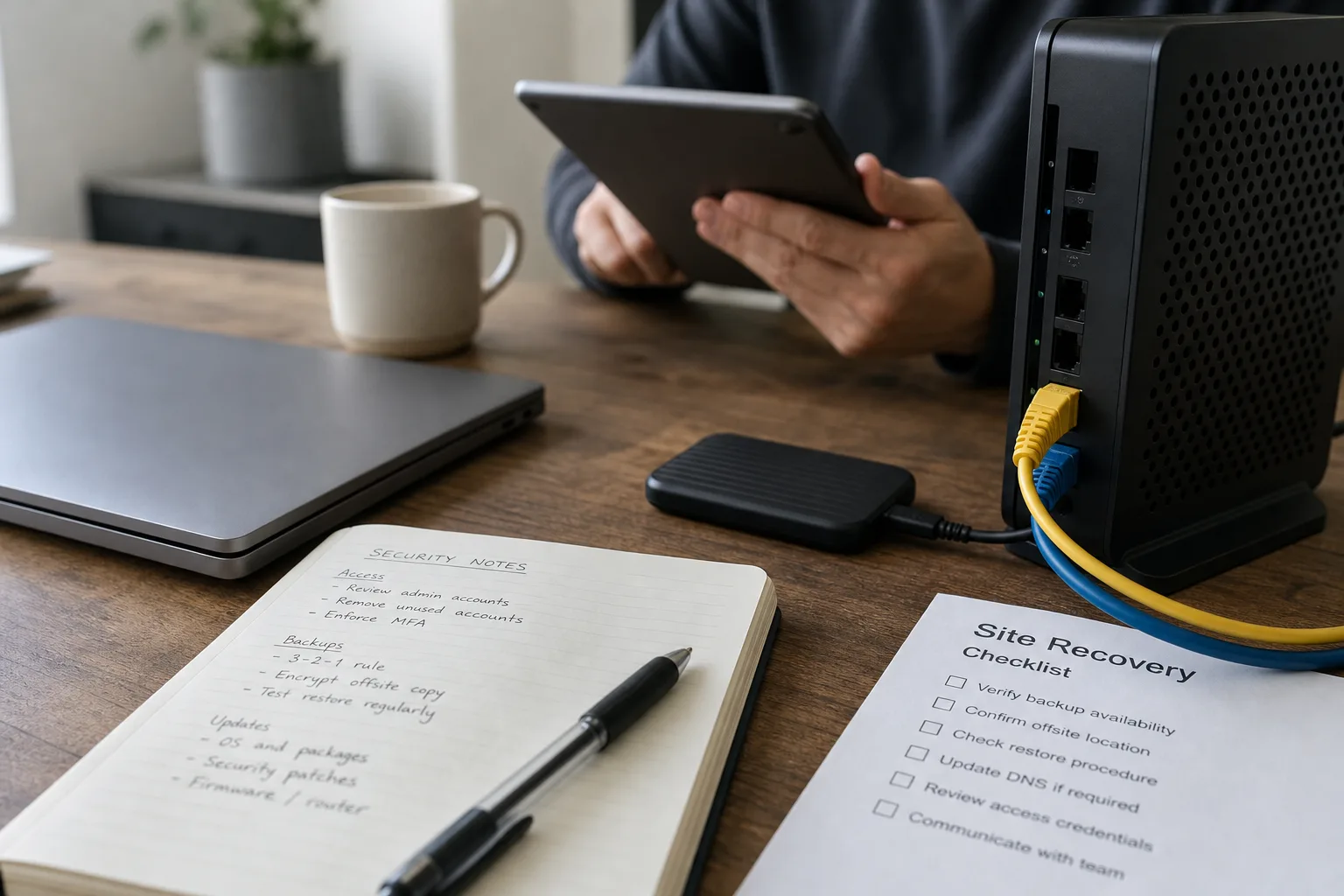
Prevention is about processes. Keep PrestaShop, themes and modules up to date. Avoid installing modules from untrusted sources. Automate off-site backups, retain multiple versions, and periodically test restores.
Adopt the principle of least privilege: grant minimal access to FTP and admin accounts, use SFTP/SSH instead of legacy FTP, and enable two-factor authentication for critical accounts. Where feasible, restrict admin back-office access by IP.
Continuous monitoring and detection
Implement file integrity monitoring and alerting to detect unexpected changes. Enable detailed logging and use tools that analyze HTTP requests to identify injection attempts. For PrestaShop, consider services that monitor template changes and client-side injections.
Monitor business metrics too—unexpected traffic spikes, abnormal conversion rates, or customer reports about suspicious payment behaviour can be early signs of an active compromise.
When to bring in professionals and how to notify customers
For merchants, calling in experienced incident responders is advised when scope or technical detail exceeds internal capabilities. A professional can perform forensic analysis, determine the timeline, and guide remediation without destroying evidence.
If customer data was exposed, follow applicable regulations (for example GDPR in Europe) and notify affected customers with clear, factual information on what happened and what you’ve done. Offer practical guidance like monitoring card statements and changing passwords; be transparent without speculation.
Platform-specific nuances for PrestaShop, WooCommerce and WordPress
PrestaShop has specific attack surfaces such as overrides and Smarty templates; inspect themes/ and modules/ carefully. In WordPress/WooCommerce, watch wp-content/plugins and options saved in the database. In mixed environments, vulnerabilities in one platform can compromise the other. Keep backups encrypted, and prefer automated patching when safe.
Restrict file permissions on configuration files, and protect admin directories with additional authentication. Regular security audits and using reputable security plugins or web application firewalls will reduce risk but cannot guarantee absolute security.
Conclusion: priorities and next steps
Detecting a fake payment button or malicious script requires both client-side inspection and server-side forensics: use browser developer tools to identify suspicious network calls and DOM changes, and inspect server files and modules for hidden backdoors. Immediate containment—maintenance mode, password rotation, and preserving logs—is essential to prevent further damage.
Long-term resilience depends on disciplined operation: apply updates, enforce least privilege, maintain tested backups, and invest in continuous monitoring. If uncertain about remediation or the extent of the breach, hire a specialist and communicate transparently with affected customers. Tools and services like Securantis can assist with monitoring and recovery planning, but no single product guarantees absolute protection.